A good wireless mouse can completely change how you work—faster navigation, less wrist fatigue, and smoother workflows. Whether you’re working long hours, editing documents, or multitasking across devices, the right mouse makes a noticeable difference.
Disclosure: Some links may be affiliate links. As an Amazon Associate I earn from qualifying purchases.
1. TECKNET Ergonomic Wireless Mouse (Best Overall for Productivity)
Overview
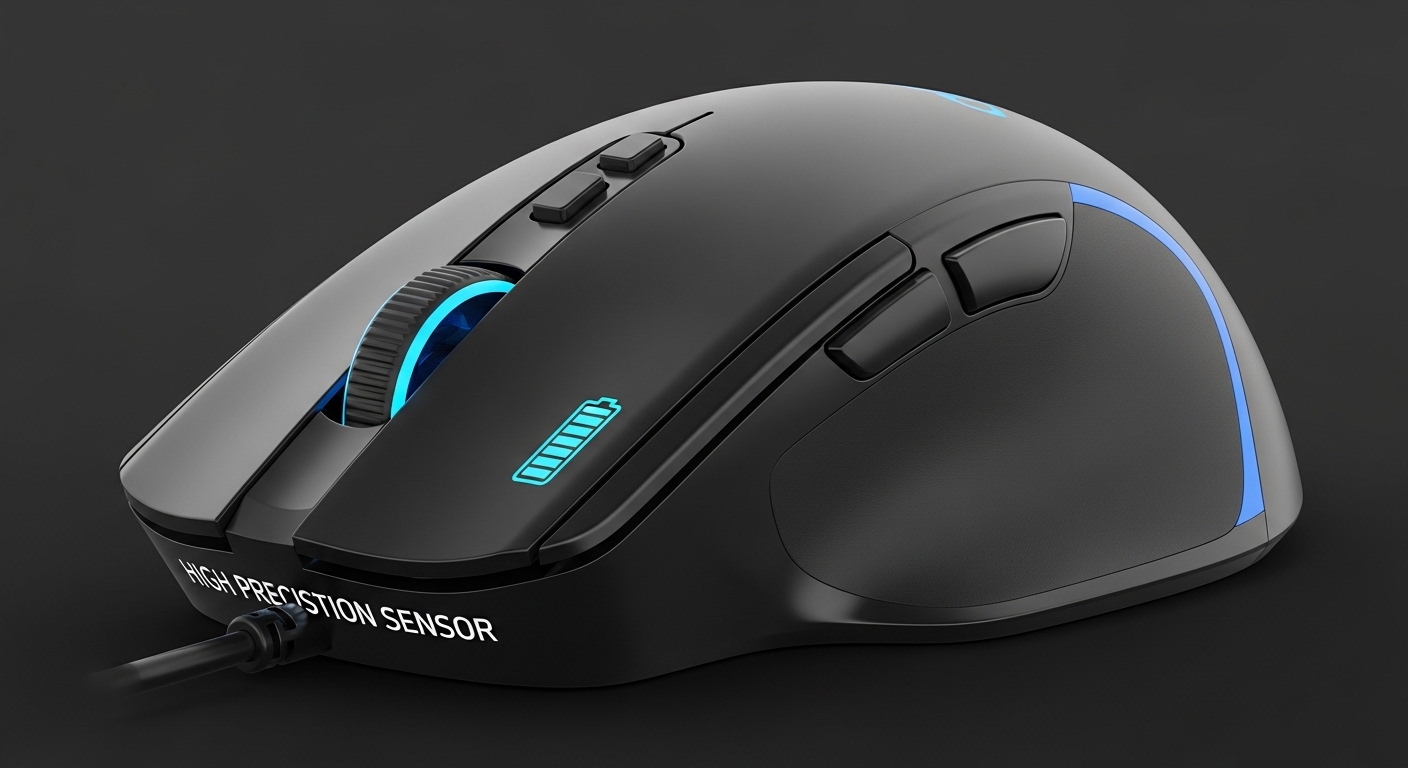
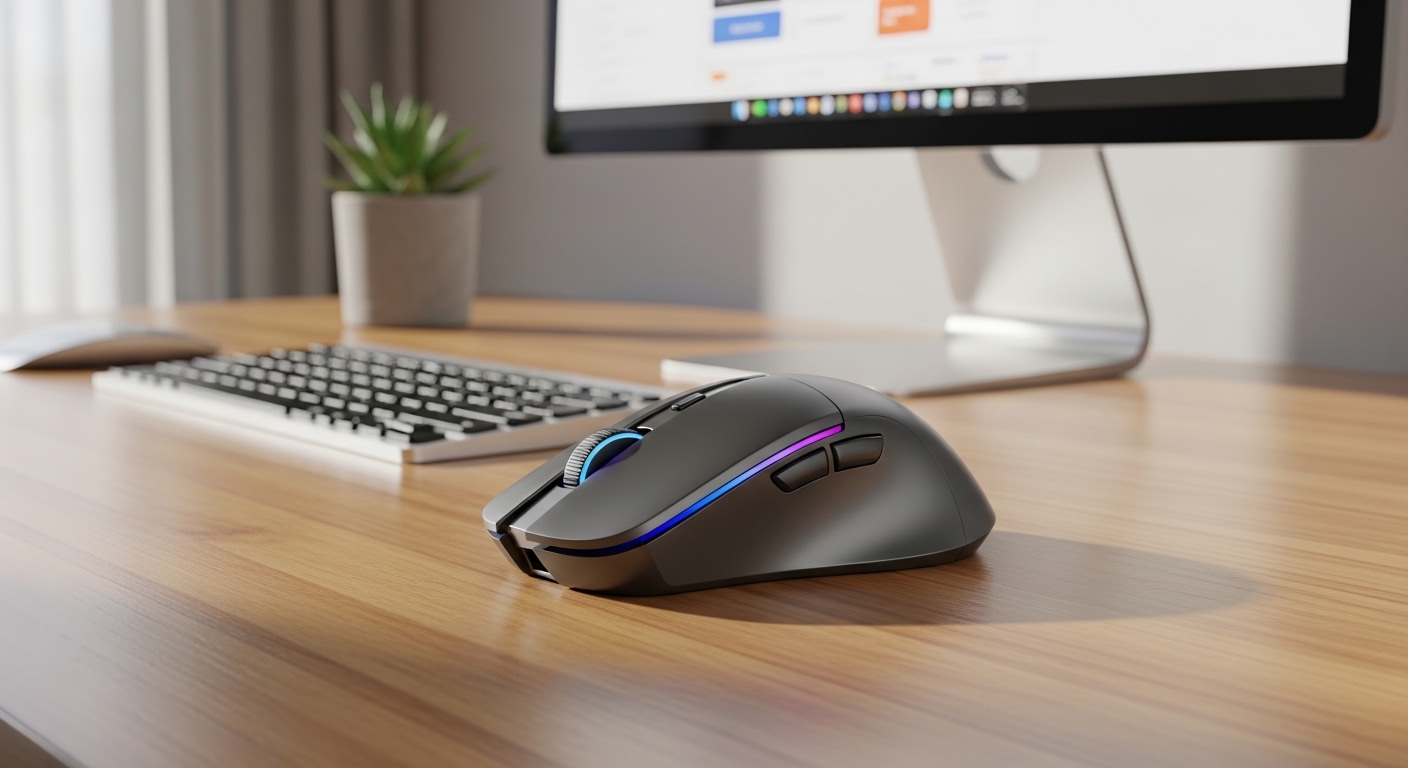
The TECKNET wireless mouse is designed for everyday productivity with a strong focus on comfort and precision. Its ergonomic shape and adjustable DPI levels make it versatile enough for both office work and detailed tasks.
Key Features
- Adjustable DPI (multiple sensitivity levels)
- Ergonomic design for reduced hand strain
- Long battery life with power-saving mode
- 6-button layout for improved workflow
Pros
- Excellent balance of precision and comfort
- Customizable sensitivity for different tasks
- Reliable wireless connection
Cons
- Slightly bulkier than ultra-compact mice
- Not designed for ultra-light portability
Verdict
A well-rounded choice for most users. Its adjustable DPI and ergonomic design make it ideal for long work sessions.
2.Logitech M185 Wireless Mouse
A simple, reliable wireless mouse with plug-and-play convenience and long battery life.

Overview
The Logitech M185 is one of the most popular wireless mice for a reason—it’s simple, reliable, and easy to use. Designed for everyday productivity, it delivers consistent performance without unnecessary complexity.
Key Features
- Plug-and-play nano receiver
- 12-month battery life
- 1000 DPI optical tracking
- Ambidextrous design
Pros
- Extremely easy to use
- Compact and travel-friendly
- Reliable performance
Cons
- No DPI adjustment
- Limited features (no side buttons)
Verdict
Best for users who want a no-fuss, dependable mouse for daily tasks. Its simplicity is actually its biggest strength.
3.Logitech Signature M650 Wireless Mouse
A modern ergonomic mouse with silent clicks and customizable buttons for productivity.

Overview
The Logitech M650 is a step up in ergonomics and features. It’s built for users who want a quieter, more refined experience with added customization.
Key Features
- Silent clicks (great for shared spaces)
- Customizable side buttons
- Bluetooth + USB connectivity
- Designed for medium to large hands
Pros
- Comfortable for extended use
- Quiet operation
- Multi-device flexibility
Cons
- Not ideal for small hands
- Slightly heavier
Verdict
A strong upgrade if you want better comfort and more control without going into premium territory
Final Verdict: Which One Should You Choose?
- Best Overall: TECKNET Wireless Mouse → Best balance of precision, features, and comfort
- Best Budget / Simplicity: Logitech M185 → Reliable and easy to use
- Best for Comfort & Features: Logitech M650 → Ideal for long work sessions
If you want a safe recommendation, go with the TECKNET Wireless Mouse—it delivers the best mix of productivity features and comfort without unnecessary complexity. If you prefer simplicity, the M185 is unbeatable. And if comfort is your top priority, the M650 is worth the upgrade.