Choosing the right keyboard can make or break your daily productivity. If you spend hours typing emails, reports, or code, comfort and noise level matter just as much as performance. The big question is: mechanical or membrane—which one actually works better for office environments?
Let’s break it down and review some standout options to help you decide.
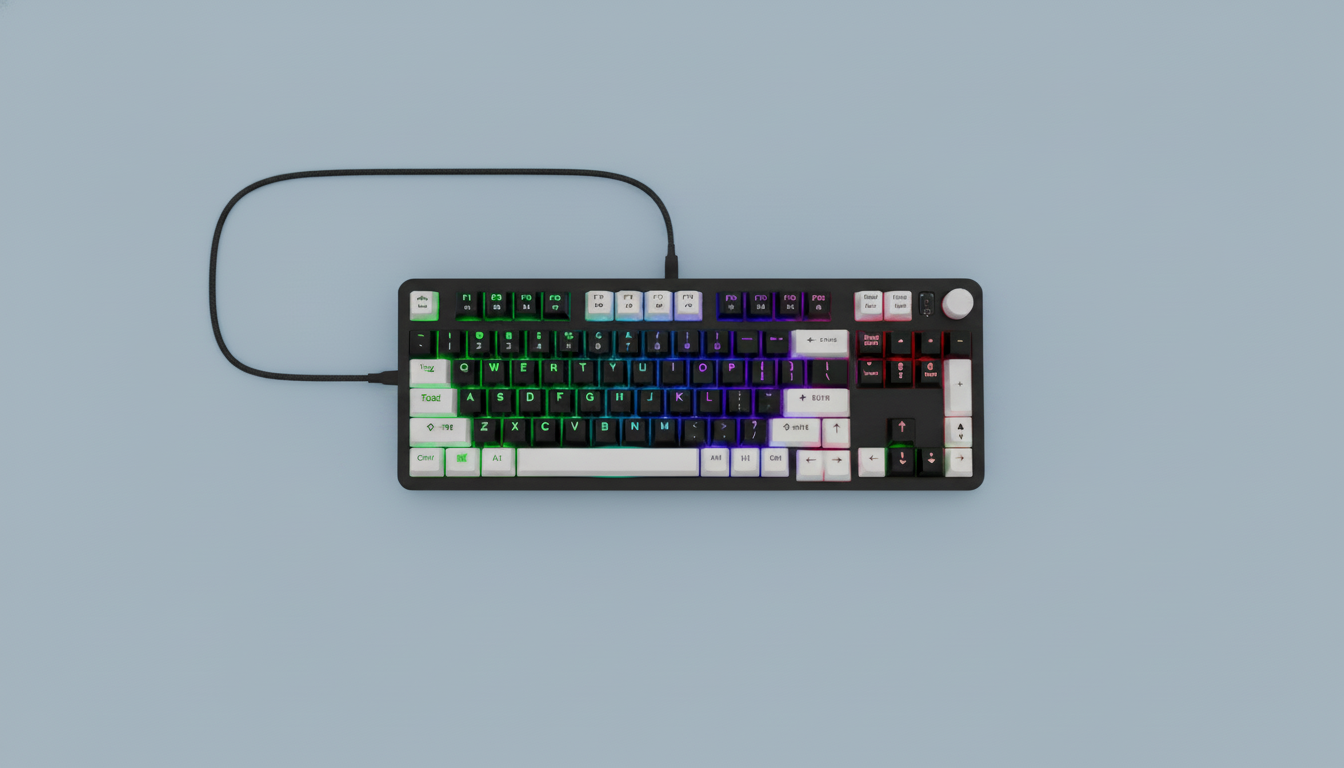
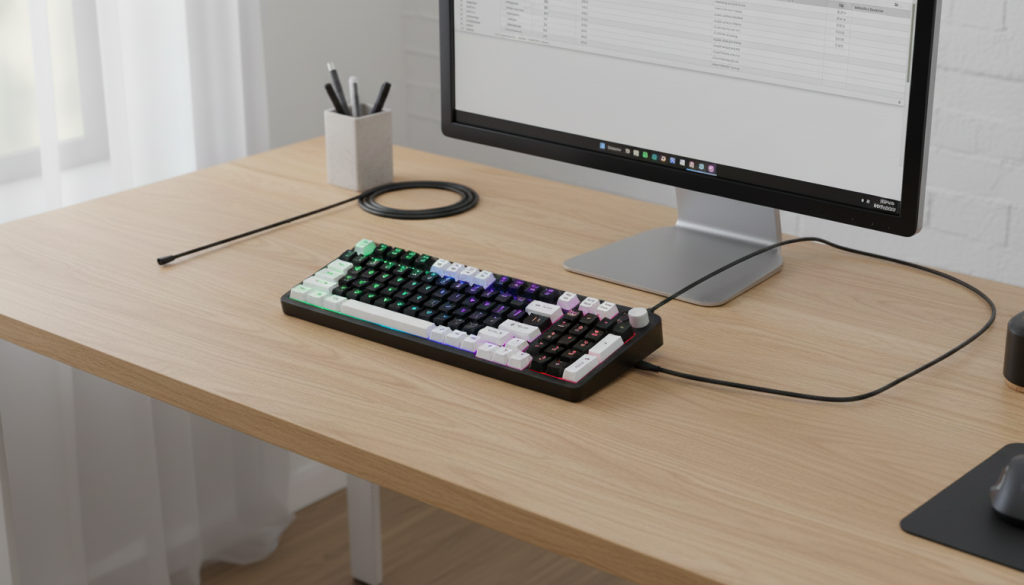
1. Creamy Quiet Membrane Keyboard with Volume Knob
Overview
This membrane keyboard focuses on one thing: quiet, smooth typing. With a soft keystroke feel and built-in volume knob, it’s clearly designed for shared workspaces where noise control is critical.
Key Features
- Ultra-quiet membrane switches
- Full-size layout with number pad
- Dedicated volume knob
- RGB lighting for subtle customization
- Plug-and-play USB connectivity
Pros
- Extremely quiet—ideal for offices
- Comfortable for long typing sessions
- Budget-friendly performance tier
- Simple and user-friendly design
Cons
- Lacks tactile feedback
- Not ideal for heavy typists who prefer precision
- Less durable than mechanical alternatives
Real-World Take
If your office values silence and simplicity, this is a strong candidate. It doesn’t try to impress with performance—it delivers consistency and comfort.
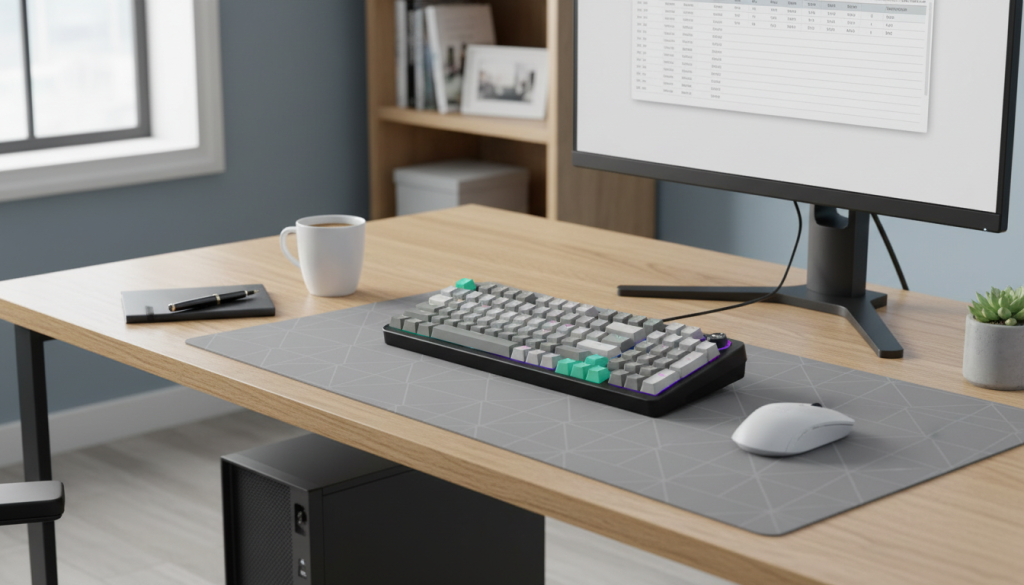
2. GEEZER Mechanical Keyboard with Blue Switches
Overview
This mechanical keyboard uses blue switches, known for their clicky sound and tactile feedback. It’s built for users who enjoy a more responsive typing experience.
Key Features
- Mechanical blue switches (clicky & tactile)
- LED backlighting
- Compact full-size layout (96 keys)
- Volume control knob
- Durable build
Pros
- Excellent tactile feedback
- Great for typing accuracy
- Long lifespan
- Satisfying key response
Cons
- Loud—can disturb coworkers
- Not ideal for quiet offices
- Slight learning curve if switching from membrane
Real-World Take
This keyboard shines in home offices or private workspaces. In a shared office, though, the noise can quickly become a problem.
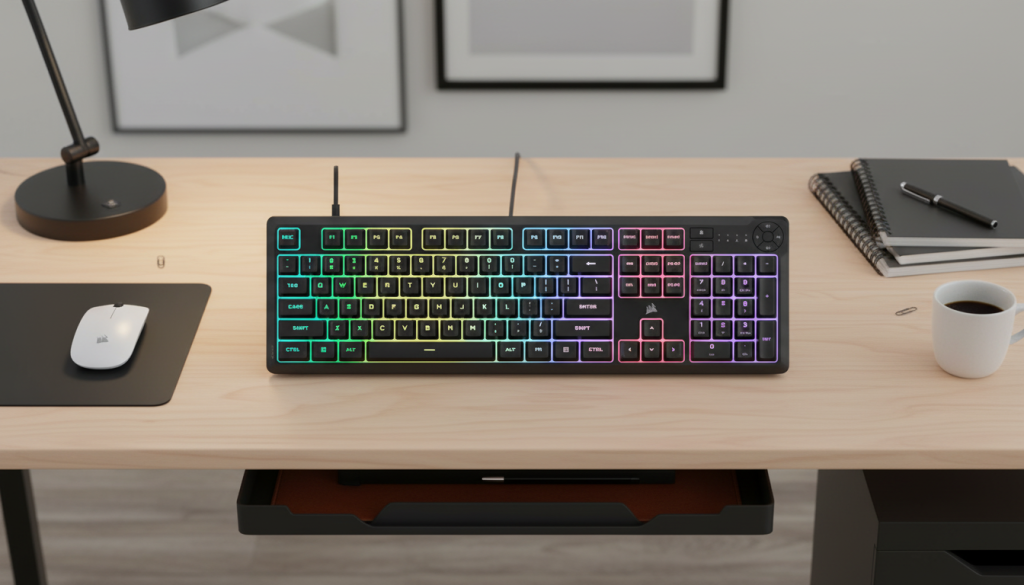
3. Corsair K55 CORE RGB Membrane Keyboard
Overview
A premium membrane option, this keyboard blends quiet operation with enhanced features like RGB lighting and software integration.
Key Features
- Silent membrane switches
- Spill-resistant design
- Zoned RGB lighting
- Dedicated media controls
- Software customization support
Pros
- Quiet yet responsive
- More durable than typical membrane keyboards
- Professional look and feel
- Reliable brand ecosystem
Cons
- Still lacks mechanical-level feedback
- Software features may be unnecessary for basic users
Real-World Take
This is a middle ground—quiet like a membrane keyboard but more refined and feature-rich. Perfect for professionals who want both comfort and reliability.
Mechanical vs Membrane for Office Work
Typing Experience
- Mechanical: Precise, tactile, satisfying
- Membrane: Soft, smooth, less fatigue for some users
Noise Level
- Mechanical: Loud (especially blue switches)
- Membrane: Quiet and office-friendly
Durability
- Mechanical: Long-lasting, premium build
- Membrane: Shorter lifespan but sufficient for standard use
Productivity Impact
- Mechanical keyboards can improve typing speed and accuracy—but only if noise isn’t an issue
- Membrane keyboards reduce distractions and are easier to adapt to in shared environments
Final Verdict: Which One Is Better?
For office work, the answer is straightforward:
- In shared or corporate offices → Membrane keyboards are the better choice
- In private offices or remote setups → Mechanical keyboards can be superior
Best Overall Pick
👉 Corsair K55 CORE RGB Membrane Keyboard
It strikes the best balance between quiet operation, durability, and modern features, making it the most practical option for professional environments